> For the complete documentation index, see [llms.txt](https://help.getupnote.com/llms.txt). Markdown versions of documentation pages are available by appending `.md` to page URLs; this page is available as [Markdown](https://help.getupnote.com/organize-and-manage-notes/view-control/keep-window-on-top.md).
# Keep window on top
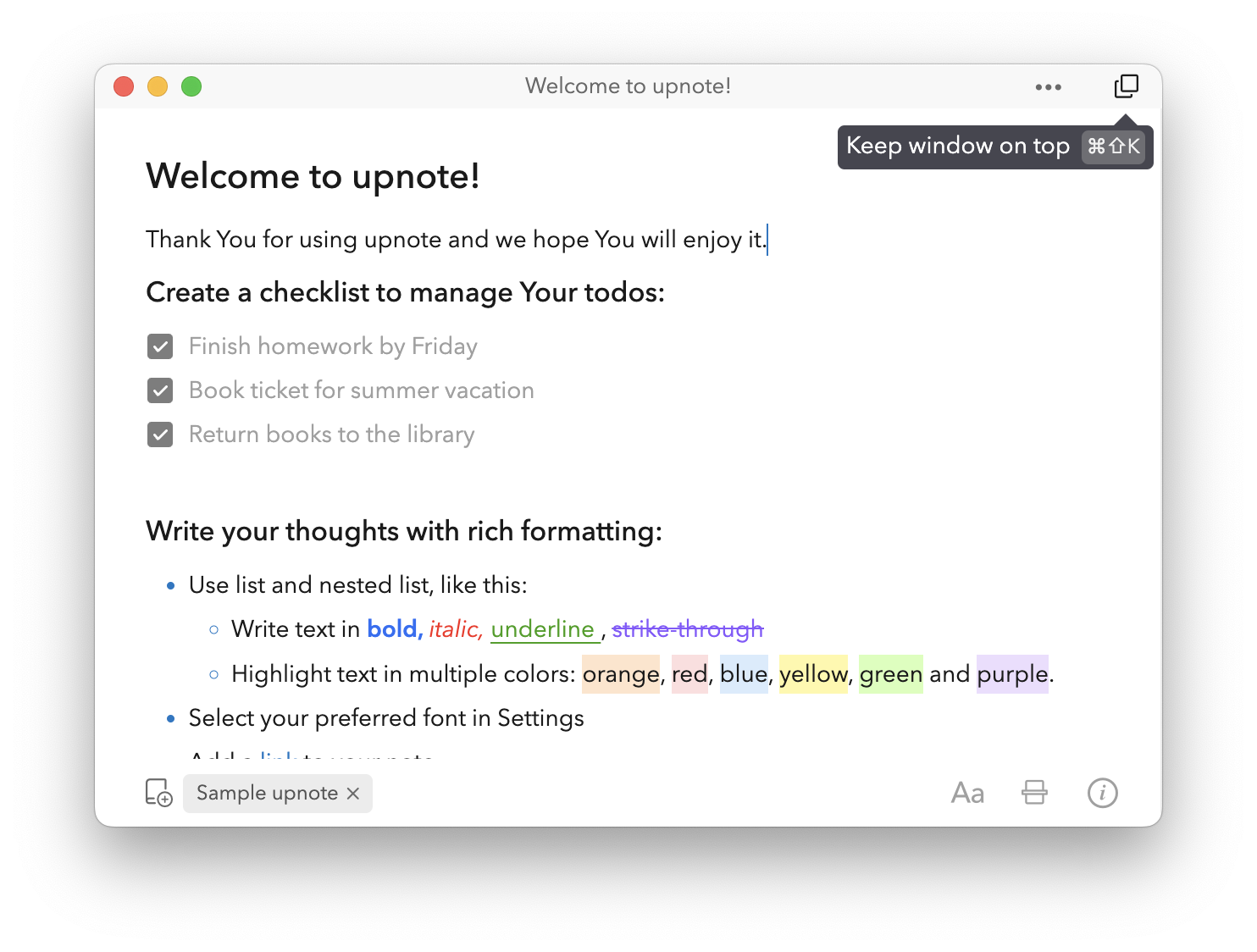
The **Keep Window on Top** feature allows you to keep a note window visible above all other apps on your screen. It’s especially useful when you want to reference notes while studying, attending an online class, or participating in a video conference.
* To keep your note window visible above all other apps, click the **Keep Window on Top** icon in the upper-right corner of the note window.
* You can also use the shortcut **Cmd + Shift + K** (Mac) or **Ctrl + Shift + K** (Windows/Linux) to toggle the mode quickly.