# ウィンドウを最前面に固定する

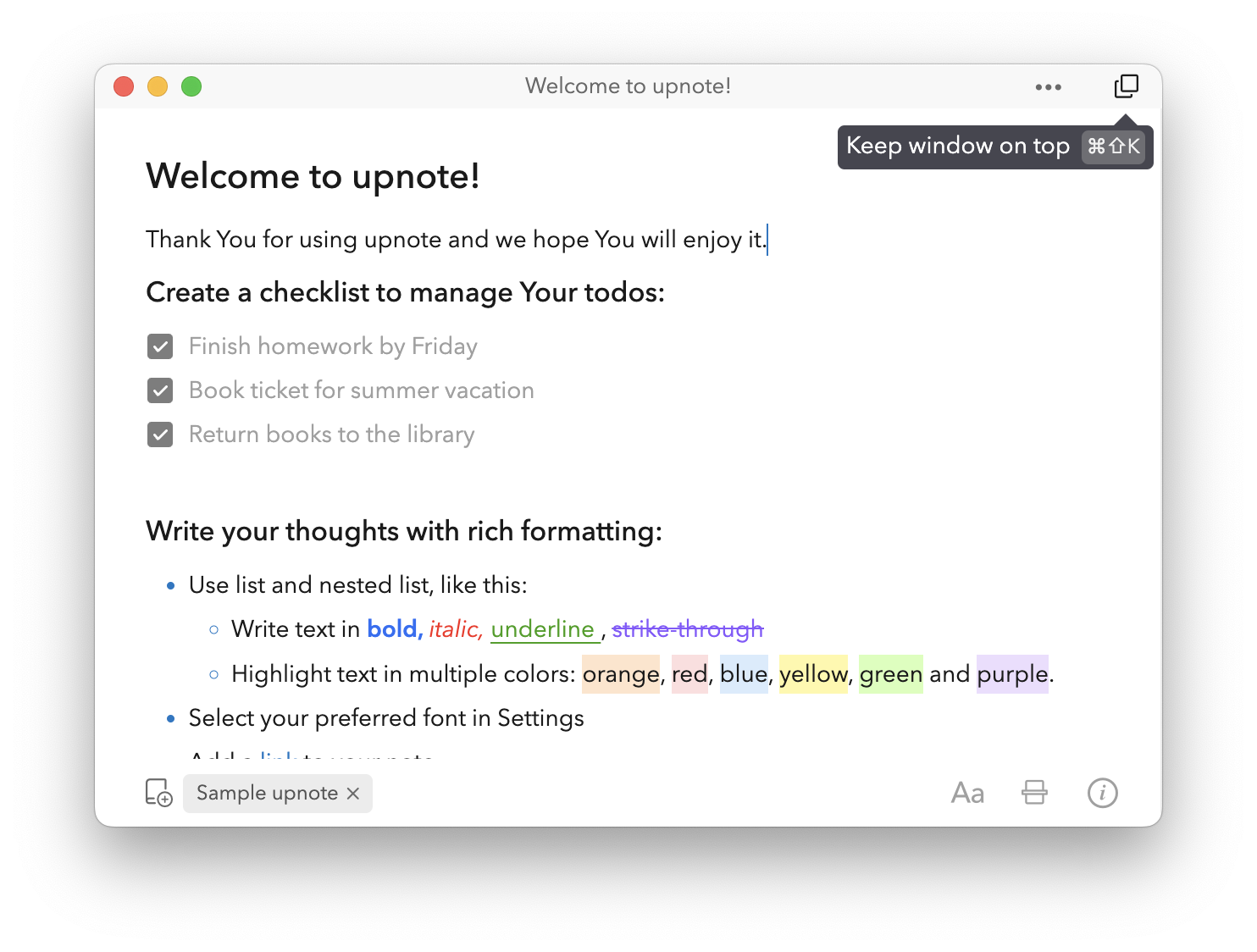
**Keep Window on Top（ウィンドウを最前面に固定）** 機能を使うと、\
他のアプリを開いていてもノートウィンドウを常に画面の最前面に表示できます。

勉強中の参照ノート、オンライン授業、ビデオ会議などでノートを見ながら作業したいときに便利です。

***

* ノートウィンドウ右上の **「Keep Window on Top」アイコン** をクリックすると、ウィンドウを最前面に固定できます。
* または、ショートカットキー **Cmd + Shift + K（Mac）** または **Ctrl + Shift + K（Windows/Linux）** で素早く切り替えることもできます。

<div align="center"><figure><img src="https://3053791484-files.gitbook.io/~/files/v0/b/gitbook-x-prod.appspot.com/o/spaces%2FFt4LISrSRa6fHrbSIdcE%2Fuploads%2FedPXuWGxLcG7cZ9hPgKU%2Fimage.png?alt=media&#x26;token=91f25bb7-9129-4d8c-bd93-73e9e38bca2e" alt="" width="423"><figcaption></figcaption></figure></div>

<figure><img src="https://3053791484-files.gitbook.io/~/files/v0/b/gitbook-x-prod.appspot.com/o/spaces%2FFt4LISrSRa6fHrbSIdcE%2Fuploads%2FkjB3QsZ6PAIfFXjR72ip%2Fimage.png?alt=media&#x26;token=0e7d7164-26e4-4094-ac84-62029daccd0a" alt=""><figcaption></figcaption></figure>


---

# Agent Instructions: Querying This Documentation

If you need additional information that is not directly available in this page, you can query the documentation dynamically by asking a question.

Perform an HTTP GET request on the current page URL with the `ask` query parameter:

```
GET https://help.getupnote.com/ja/organize-and-manage-notes/view-control/keep-window-on-top.md?ask=<question>
```

The question should be specific, self-contained, and written in natural language.
The response will contain a direct answer to the question and relevant excerpts and sources from the documentation.

Use this mechanism when the answer is not explicitly present in the current page, you need clarification or additional context, or you want to retrieve related documentation sections.